Introduction to Bluetooth Devices
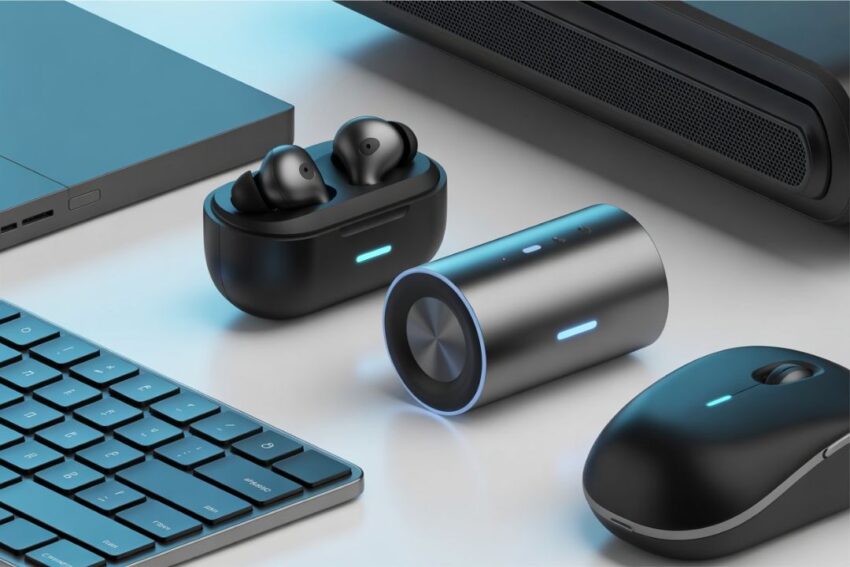
In today’s fast-paced digital world, Bluetooth devices have become an integral part of our daily lives. From wireless headphones and smartwatches to keyboards, mice, and even home automation gadgets, these devices have transformed the way we connect, communicate, and interact with technology. The convenience of wireless connectivity has made Bluetooth technology one of the most widely used communication standards across the globe.
Bluetooth technology, first introduced in the late 1990s, was designed to replace cumbersome cables and simplify communication between electronic devices. The term “Bluetooth” itself has an interesting origin; it is named after a 10th-century Scandinavian king, Harald “Bluetooth” Gormsson, who was known for uniting Denmark and Norway. Just like King Harald unified nations, Bluetooth technology was intended to unify communication protocols between diverse devices. Over the years, the technology has evolved considerably, offering faster speeds, improved security, and lower energy consumption.
One of the key advantages of Bluetooth devices is their ability to establish a seamless, short-range wireless connection between multiple devices. Unlike Wi-Fi or cellular networks, which require complex setup or internet connectivity, Bluetooth devices communicate directly with each other, allowing for instant data transfer, audio streaming, and device control. Whether you are pairing your smartphone with wireless earbuds or connecting a fitness tracker to a health monitoring app, the process is simple, intuitive, and efficient.
The versatility of Bluetooth devices has led to their adoption across numerous industries and applications. In the consumer electronics sector, Bluetooth-enabled headphones, speakers, and gaming peripherals are ubiquitous. In healthcare, Bluetooth devices such as smart medical monitors and wearable health trackers provide real-time data, empowering both patients and doctors with critical insights. The automotive industry has embraced Bluetooth for hands-free calling, music streaming, and vehicle diagnostics, enhancing safety and convenience on the road. Additionally, Bluetooth plays a crucial role in the growing smart home ecosystem, enabling seamless control of lighting, security systems, thermostats, and other connected appliances.
Types of Bluetooth Devices
Bluetooth technology has become the backbone of countless gadgets in our everyday lives. Bluetooth devices are no longer limited to a single category; they span a wide range of consumer electronics, wearables, automotive accessories, computer peripherals, and smart home equipment. Understanding the different types of Bluetooth devices helps users make informed choices and appreciate the versatility this technology offers.
Audio Devices
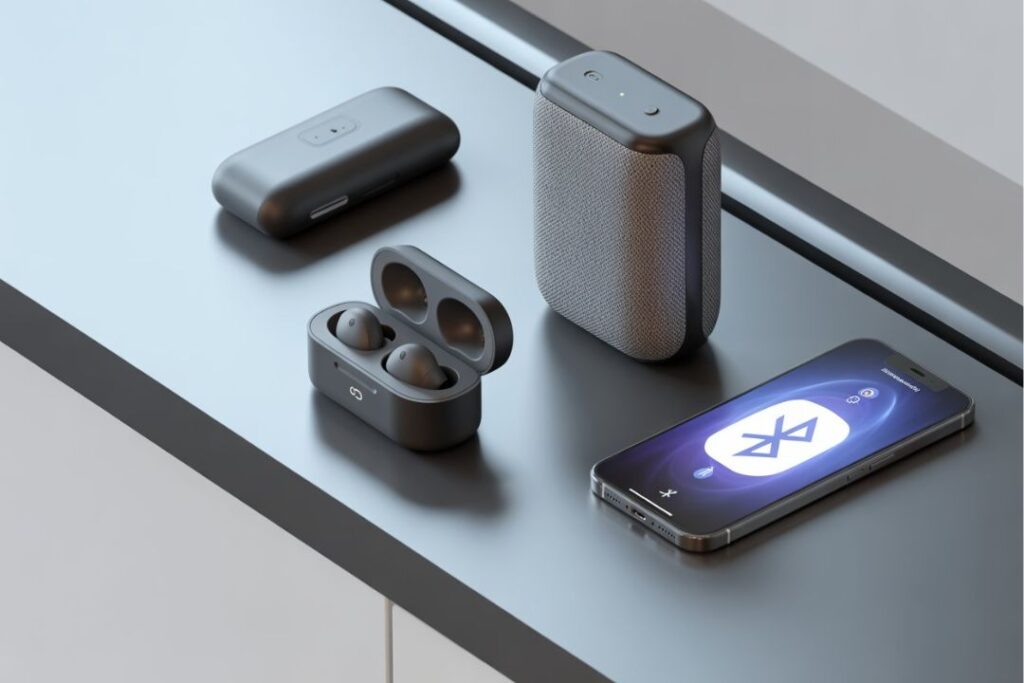
One of the most popular categories of Bluetooth devices is audio equipment. The advent of wireless audio technology has transformed the way people enjoy music, podcasts, and hands-free communication.
Bluetooth Headphones and Earbuds
Wireless headphones and earbuds are the most common Bluetooth devices today. They eliminate tangled cords, offer freedom of movement, and often include advanced features like noise cancellation, touch controls, and voice assistant integration. From casual listeners to professional musicians, Bluetooth headphones cater to diverse audio needs.
Bluetooth Speakers
Bluetooth speakers allow users to play music from smartphones, tablets, or computers without physical connections. Portable, compact, and often waterproof, these speakers have revolutionized outdoor activities, parties, and travel experiences. Premium models deliver high-fidelity sound comparable to wired speakers, further increasing their appeal.
Audio Systems
Home audio systems increasingly incorporate Bluetooth technology, enabling wireless streaming from smartphones and smart devices. Users can control multi-room audio setups, stream high-quality music, and enjoy smart integrations like voice assistants, all without the need for complex wiring.
Wearable Devices
Wearables have emerged as a critical category of Bluetooth devices, combining convenience, health monitoring, and connectivity.
Smartwatches
Bluetooth-enabled smartwatches sync with smartphones to provide notifications, control media playback, track fitness metrics, and even handle calls. Leading brands offer a combination of stylish design and comprehensive functionality, making them an essential accessory for tech-savvy users.
Fitness Trackers
Fitness trackers use Bluetooth to connect to health and fitness apps. They monitor heart rate, sleep patterns, physical activity, and calorie consumption. By syncing data with mobile apps, users can track progress, set fitness goals, and share achievements with others.
Health Monitors
Advanced wearable devices, such as blood pressure monitors, glucose meters, and ECG monitors, utilize Bluetooth connectivity to transmit real-time data to smartphones or cloud platforms. This capability empowers patients and healthcare providers with actionable insights and improves medical care.
Computer Peripherals
Bluetooth technology has significantly improved computing convenience, allowing users to interact with devices wirelessly.
Keyboards
Bluetooth keyboards eliminate the clutter of wires while maintaining full functionality. They are ideal for laptops, tablets, and even smartphones. Many models offer long battery life, ergonomic design, and multi-device connectivity, making them suitable for both casual and professional users.
Mice and Trackpads
Wireless mice and trackpads are another popular type of Bluetooth device. They provide precise control and are portable, making them ideal for home offices, travel, and workstations where desk space is limited.
Printers and Scanners
Modern Bluetooth-enabled printers and scanners simplify document management. Users can print or scan directly from smartphones, tablets, or laptops without complicated network setups. This convenience enhances productivity for both home and office environments.
Home Automation Devices
The rise of the smart home has made Bluetooth devices essential for convenience, security, and energy efficiency.
mart Lights
Bluetooth-enabled smart bulbs allow users to control brightness, color, and schedules from a smartphone app. Integration with voice assistants and automation routines makes these lights versatile and easy to use.
Smart Locks
Smart locks equipped with Bluetooth offer secure access to homes without traditional keys. Users can unlock doors via smartphones or wearable devices and manage guest access remotely, enhancing security and convenience.
Sensors and Appliances
Various Bluetooth-enabled sensors, thermostats, and appliances enable seamless control and monitoring. From controlling a smart thermostat to detecting motion or environmental changes, these devices enhance home automation experiences.
Automotive Bluetooth Devices
Bluetooth technology has dramatically changed the driving experience, offering safety, convenience, and entertainment features.
Hands-Free Calling Systems
Bluetooth car kits and integrated infotainment systems allow drivers to make and receive calls without touching their phones. This reduces distractions and promotes safe driving.
Music Streaming
Drivers can wirelessly stream music from smartphones or tablets to the vehicle’s audio system. This seamless connectivity enhances in-car entertainment and reduces reliance on physical media like CDs.
Vehicle Diagnostics and Monitoring
Some modern cars use Bluetooth devices to transmit diagnostic data to mobile apps. Drivers can monitor engine health, fuel efficiency, and maintenance alerts in real time, improving vehicle longevity and safety.
How Bluetooth Devices Work
Bluetooth technology powers a wide variety of modern devices, enabling seamless wireless communication over short distances. To understand how Bluetooth devices operate, it’s important to explore the technical principles behind them, the process of pairing and connectivity, the different Bluetooth versions, and the advantages that this technology brings to daily life.
Basics of Bluetooth Technology
At its core, Bluetooth is a wireless communication standard designed for exchanging data over short distances using radio waves. Unlike Wi-Fi, which is optimized for high-speed internet access and longer-range networking, Bluetooth is intended for close-range connections, typically up to 10 meters (33 feet) for standard devices. Some modern versions can extend this range to 100 meters or more under optimal conditions.
Bluetooth operates in the 2.4 GHz ISM (Industrial, Scientific, and Medical) band, which is a globally available radio frequency band. This allows devices from different manufacturers and regions to communicate without complex regulatory restrictions. The technology employs a method called frequency hopping spread spectrum (FHSS), which means it rapidly switches frequencies within the band to reduce interference and maintain a stable connection, even in environments crowded with other wireless signals.
One of the defining features of Bluetooth technology is its low power consumption. Bluetooth Low Energy (BLE), introduced in Bluetooth 4.0, was specifically designed for devices that require minimal energy usage, such as fitness trackers, smartwatches, and IoT sensors. This energy efficiency allows devices to maintain connectivity for long periods without frequent charging, making Bluetooth ideal for portable and wearable devices.
Pairing and Connectivity
Before two Bluetooth devices can communicate, they must go through a process called pairing. Pairing establishes a trusted connection between devices, allowing them to recognize each other and exchange information securely. The general steps include:
- Device Discovery: One device scans for nearby Bluetooth-enabled devices in pairing mode. This is often indicated by a blinking LED or notification on the device.
- Authentication: Depending on the device and security level, a user may need to enter a PIN, confirm a code, or simply approve the connection.
- Bonding: Once authentication is complete, the devices create a bond, storing each other’s information for future connections.
- Data Exchange: After pairing, the devices can transmit data such as audio, health metrics, notifications, or control commands.
Many modern Bluetooth devices simplify this process through features like NFC-assisted pairing, which allows devices to connect with a simple tap, and automatic reconnection, where previously paired devices connect seamlessly when in range.
Bluetooth Versions and Improvements
Over the years, Bluetooth technology has evolved through multiple versions, each introducing improvements in speed, range, power efficiency, and functionality:
a. Bluetooth 1.0 and 1.1
The earliest versions established the foundation for wireless communication, supporting basic data exchange at speeds up to 721 Kbps. These versions had limited interoperability and security features compared to modern standards.
b. Bluetooth 2.0 + EDR
Enhanced Data Rate (EDR) increased transmission speeds up to 3 Mbps and improved energy efficiency. This version became popular for audio streaming devices and early wireless peripherals.
c. Bluetooth 3.0 + HS
Bluetooth 3.0 introduced High-Speed (HS) capabilities, allowing faster data transfer by leveraging Wi-Fi connections for large files while maintaining Bluetooth’s convenience for device pairing.
d. Bluetooth 4.0 (BLE)
Bluetooth 4.0 introduced Bluetooth Low Energy, optimized for minimal power consumption without sacrificing connectivity. This version enabled the rise of wearable devices, smart home sensors, and health trackers.
e. Bluetooth 5.0 and Beyond
Bluetooth 5.0, 5.1, and 5.2 brought significant advancements, including:
- Extended Range: Up to 240 meters in ideal conditions.
- Higher Data Rate: Up to 2 Mbps, improving streaming quality and device communication.
- Improved Reliability: Enhanced interference management and support for multiple simultaneous connections.
- Direction Finding: Allows precise location tracking, enabling features like item finders and indoor navigation.
These continuous improvements ensure that Bluetooth devices remain relevant, capable, and efficient in today’s connected ecosystems.
Data Transmission in Bluetooth Devices
Bluetooth devices transmit data in small packets over the air. The technology employs two primary modes for communication:
- Asynchronous Connection-Less (ACL) Mode: Used for general data transmission, such as file transfer, messages, or sensor readings.
- Synchronous Connection-Oriented (SCO) Mode: Used for time-sensitive data, primarily audio, ensuring smooth voice and music streaming with minimal delay.
Frequency hopping and error correction mechanisms ensure that even in environments with multiple wireless devices, Bluetooth devices maintain stable and reliable communication.
Security Mechanisms
Security is a crucial aspect of Bluetooth connectivity. Over time, the Bluetooth protocol has incorporated advanced security measures, including:
- Pairing Authentication: Ensures that only authorized devices can connect.
- Encryption: Protects data transmitted between devices, preventing unauthorized access.
- Frequency Hopping: Reduces the likelihood of eavesdropping and interference.
- Secure Simple Pairing (SSP): Introduced in Bluetooth 2.1 to simplify and strengthen the pairing process.
While vulnerabilities occasionally arise, manufacturers regularly release firmware updates and adhere to Bluetooth SIG (Special Interest Group) standards to maintain device security.
Applications of Connectivity
Understanding how Bluetooth devices work helps explain their widespread application across industries:
- Consumer Electronics: Wireless audio, gaming peripherals, and portable devices rely on fast, reliable Bluetooth connections.
- Healthcare: Wearables and medical devices transmit real-time health data to smartphones or cloud platforms.
- Automotive: Hands-free calling, navigation, and media streaming utilize Bluetooth for safe, cable-free operation.
- Smart Homes: Smart locks, lights, and appliances connect seamlessly via Bluetooth networks.
- IoT Devices: Sensors, trackers, and environmental monitors use Bluetooth to communicate efficiently with minimal energy use.
The ability to combine low energy consumption, reliable short-range communication, and ease of use has made Bluetooth indispensable in modern technology.
iOS FAQs About Bluetooth Devices
Many iOS users rely on Bluetooth devices to enhance productivity, entertainment, and connectivity. This FAQ section addresses common questions and solutions related to using Bluetooth on iPhones, iPads, and other iOS devices.
How do I pair a Bluetooth device with my iPhone or iPad?
To pair a Bluetooth device with your iOS device:
- Open Settings on your iPhone or iPad.
- Tap Bluetooth and ensure it’s turned on.
- Put your Bluetooth device in pairing mode (refer to the device manual if needed).
- Your device will appear under Other Devices. Tap its name to pair.
- Once connected, it will appear under My Devices with a Connected status.
Tip: Some devices require entering a PIN or confirming a code during pairing for added security.
Why won’t my iOS device connect to my Bluetooth device?
If your Bluetooth device is not connecting:
- Ensure the device is in pairing mode and has enough battery.
- Turn Bluetooth off and on in Settings.
- Restart your iPhone/iPad and the Bluetooth device.
- Remove the device from My Devices and try pairing again.
- Make sure the device is compatible with iOS.
How can I disconnect a Bluetooth device without turning off Bluetooth?
- Go to Settings > Bluetooth.
- Tap the “i” icon next to the connected device.
- Select Disconnect.
This temporarily disconnects the device without removing it from the paired list.
How do I forget a Bluetooth device on iOS?
To permanently remove a device:
- Open Settings > Bluetooth.
- Tap the “i” icon next to the device.
- Tap Forget This Device.
This is useful if a device won’t reconnect or you’re troubleshooting connectivity issues.
Can I use multiple Bluetooth devices at the same time on iOS?
Yes, iOS allows multiple devices to connect simultaneously, but functionality depends on the type of device:
- Audio Devices: Only one audio output is active at a time (except when using AirPlay or special dual audio devices).
- Peripherals: Multiple keyboards, mice, or controllers can connect at once.
- Health & Fitness Devices: Multiple trackers or monitors can sync data simultaneously.
Conclusion
The inner workings of Bluetooth devices demonstrate a blend of simplicity, efficiency, and technical sophistication. From frequency hopping to low-energy operation and advanced security, these devices enable wireless communication across countless applications. By understanding the principles of Bluetooth connectivity, pairing, data transmission, and the evolution of its versions, users can fully appreciate the versatility and power of Bluetooth technology in their everyday lives.