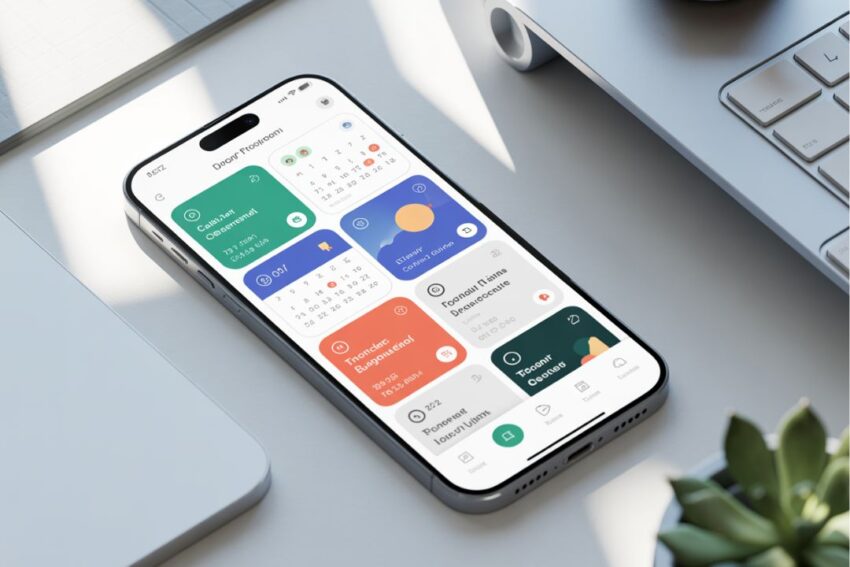
Introduction to Productivity Apps
In today’s fast-paced world, efficiency is no longer a luxury; it is a necessity. Whether you are a student juggling multiple courses, a professional managing a busy schedule, or an entrepreneur overseeing an entire business, the ability to manage time and tasks effectively determines success. This is where Productivity Apps have emerged as game-changers. These tools are designed to help individuals and teams streamline their workflows, organize tasks, and accomplish more in less time.
Productivity Apps are software applications that focus on optimizing various aspects of personal and professional life. They range from simple to-do lists to comprehensive platforms that integrate task management, collaboration, time tracking, and automation. Their primary goal is to help users minimize wasted time, reduce stress, and maximize output. Unlike traditional methods such as paper planners or sticky notes, these digital tools provide real-time updates, reminders, and insights that enhance efficiency and decision-making.
One of the key benefits of using Productivity Apps is the ability to organize tasks effectively. In a typical day, people often juggle multiple responsibilities, from meetings and assignments to personal errands. Without proper organization, it is easy to feel overwhelmed, forget important tasks, or miss deadlines. Productivity apps solve this problem by providing structured systems for task management. Users can prioritize tasks, set deadlines, and track progress, ensuring that nothing falls through the cracks.
Another advantage of Productivity Apps is the integration of collaboration features. In modern workplaces, teamwork is crucial. Many productivity apps allow teams to share tasks, communicate in real-time, and monitor project progress collectively. This not only reduces miscommunication but also fosters accountability and ensures that team members are aligned with common goals. Apps like Trello, Asana, and Slack have revolutionized the way teams work together, making remote work as efficient as in-person collaboration.
Types of Productivity Apps
Productivity Apps are not a one-size-fits-all solution. They come in various forms, each designed to address specific needs and improve efficiency in unique ways. Understanding the different types of productivity apps can help individuals and teams choose the right tools for their goals. Below, we explore the main categories of productivity apps and how they can enhance daily life.
Task Management Apps
Task management apps are the backbone of personal and professional organization. These apps help users create, organize, and prioritize tasks effectively. Features often include checklists, due dates, recurring tasks, and progress tracking.
Some popular task management apps include Todoist, Microsoft To Do, and TickTick. These apps allow users to break large projects into manageable tasks, set reminders, and categorize tasks by priority or project type. By using task management apps, users can reduce mental clutter and ensure they never miss an important deadline.
Task management apps are particularly useful for professionals who juggle multiple projects at once. They allow individuals to visualize their workload, assign tasks to team members, and track the status of ongoing projects. The result is a streamlined workflow and increased accountability.
Note-Taking Apps
For many people, ideas and important information come at unexpected times. Note-taking apps are essential Productivity Apps that capture thoughts, research, and meeting notes efficiently.
Apps like Evernote, Notion, and OneNote provide versatile platforms for creating and organizing notes. Users can create notebooks, tag notes for easy retrieval, and even embed images, videos, or links. Some apps also include advanced search functions, making it easy to find past notes instantly.
Beyond personal use, note-taking apps are invaluable for teams and students. They support collaborative editing, allowing multiple users to work on a shared document in real-time. This feature enhances knowledge sharing and ensures everyone stays on the same page.
Time Tracking Apps
Time management is a crucial aspect of productivity, and time tracking apps help users understand how their time is spent. These apps record the amount of time dedicated to tasks, projects, or activities.
Popular time tracking apps include Toggl, RescueTime, and Clockify. Users can monitor work hours, identify time-wasting activities, and generate reports to improve efficiency. For freelancers and remote workers, these apps are particularly useful for accurate billing and ensuring productivity throughout the day.
Time tracking apps also promote self-awareness. By analyzing daily routines, users can discover patterns that lead to distractions or inefficiencies. Over time, this insight allows individuals to adjust their habits, focus on high-priority tasks, and allocate their time more effectively.
Collaboration and Project Management Apps
Modern work environments often require teamwork, and collaboration apps have become essential Productivity Apps. These tools facilitate communication, task assignment, file sharing, and project tracking within teams.
Apps like Trello, Asana, Slack, and Monday.com are designed to streamline teamwork. They provide visual boards, chat channels, and project timelines that help teams stay organized and aligned. By centralizing communication and task management, these apps reduce the need for lengthy email threads and in-person meetings.
Collaboration apps are particularly valuable for remote teams, where coordination and visibility are crucial. They allow managers to assign tasks, track progress, and ensure accountability, while team members can access shared resources and updates from anywhere in the world.
Automation Apps
Automation is a powerful way to boost productivity by reducing repetitive tasks. Automation apps, such as Zapier, IFTTT, and Microsoft Power Automate, connect different apps and create automated workflows.
For example, a user can set up a workflow to automatically save email attachments to cloud storage, or send task updates to a team chat when completed. By automating routine actions, individuals can focus on higher-value work instead of manual, time-consuming tasks.
Automation apps are especially beneficial for entrepreneurs and small business owners who manage multiple platforms. They save time, reduce errors, and improve efficiency across systems.
Calendar and Scheduling Apps
Scheduling and calendar apps are essential Productivity Apps for organizing appointments, meetings, and personal commitments. Apps like Google Calendar, Fantastical, and Apple Calendar allow users to schedule events, set reminders, and synchronize calendars across devices.
These apps often include features like recurring events, integration with email or task apps, and notifications. They help users avoid overbooking, plan their day efficiently, and maintain a balance between work and personal life.
Calendar apps are also highly effective when combined with other productivity tools. For example, integrating a task management app with a calendar ensures that deadlines are visually aligned with daily schedules, promoting better time allocation and prioritization.
Summary
Understanding the different types of Productivity Apps is the first step toward improving efficiency and achieving goals. Task management, note-taking, time tracking, collaboration, automation, and calendar apps each serve unique purposes. By selecting the right combination, individuals and teams can streamline workflows, reduce stress, and maximize productivity.
In the next section, we will explore how productivity apps improve efficiency, highlighting real-world examples and strategies to make the most of these tools.
How Productivity Apps Improve Efficiency

In today’s fast-paced world, efficiency is the cornerstone of success. While hard work is important, working smarter is essential, and this is where Productivity Apps play a vital role. These tools are designed to optimize workflows, reduce wasted time, and help individuals and teams focus on high-priority tasks. By integrating Productivity Apps into daily routines, users can experience significant improvements in efficiency, organization, and overall performance.
Streamlining Daily Tasks
One of the most obvious ways Productivity Apps improve efficiency is by streamlining daily tasks. Many individuals and teams face the challenge of juggling multiple responsibilities simultaneously. Without proper management, it’s easy to overlook deadlines, forget critical steps, or spend unnecessary time on low-priority work.
Task management apps, such as Todoist and Microsoft To Do, allow users to organize tasks, set deadlines, and categorize them based on importance. By breaking large projects into smaller, manageable steps, users can systematically complete tasks without feeling overwhelmed. Automation tools like Zapier can also help by automatically handling repetitive tasks, such as sending email notifications or updating spreadsheets, saving precious time for more critical work.
Prioritization and Focus
Not all tasks are created equal, and one of the greatest challenges in productivity is determining what requires immediate attention. Productivity Apps often include prioritization features that help users identify high-impact tasks.
For instance, task management apps allow users to label tasks as high, medium, or low priority. Calendar apps can visually highlight deadlines, making it easier to plan the day effectively. Time-tracking apps like RescueTime provide insights into how time is spent, helping users focus on the most productive activities while reducing distractions.
By using these tools strategically, users can focus on high-value tasks, complete them efficiently, and prevent procrastination from undermining productivity.
Reducing Mental Clutter
Mental clutter is a significant barrier to efficiency. When individuals try to keep track of tasks, appointments, and ideas in their minds, cognitive overload can occur, leading to stress, errors, and decreased focus.
Productivity Apps help alleviate mental clutter by providing a centralized system for task management, note-taking, and scheduling. Apps like Evernote, Notion, and OneNote allow users to store information, categorize it, and retrieve it quickly. By transferring responsibilities from memory to digital tools, users can free their minds to focus on critical thinking and creativity rather than remembering trivial details.
Enhancing Team Collaboration
Efficiency is not only about personal productivity; in a professional setting, it often depends on how well a team functions. Collaboration apps such as Slack, Asana, and Trello are essential Productivity Apps for enhancing team efficiency.
These apps enable real-time communication, task assignments, and progress tracking. Team members can see who is responsible for which task, share updates instantly, and ensure deadlines are met. By reducing miscommunication and eliminating the need for lengthy email threads or unnecessary meetings, these apps help teams work faster and more effectively.
Moreover, cloud-based collaboration tools allow teams to work remotely without losing efficiency. Files, updates, and notes can be accessed anytime, anywhere, which is especially valuable in today’s hybrid work environment.
Time Management and Analytics
Effective time management is one of the most critical aspects of productivity. Productivity Apps such as Toggl, Clockify, and RescueTime allow users to track how they spend their time and identify inefficiencies.
Time-tracking apps provide detailed analytics, showing which tasks consume the most time and highlighting opportunities to streamline workflows. For instance, users may discover they spend excessive time on low-value activities or repetitive tasks that could be automated. This insight allows for strategic planning, helping users allocate their time to high-priority tasks that contribute most to their goals.
Additionally, calendar apps help schedule tasks in blocks of time, ensuring that important work receives focused attention. Combining time-tracking with task scheduling is a powerful approach to achieving maximum productivity.
Motivation and Accountability
Productivity Apps also play a role in boosting motivation and accountability. Many apps include features like progress tracking, reminders, and achievement badges, which encourage users to stay committed to their goals.
For example, habit-tracking apps can help users build consistent routines by visually showing streaks and progress. Task management apps with deadline reminders ensure that commitments are not forgotten. When teams use collaboration apps, accountability naturally increases, as everyone can see task assignments and completion status.
These elements foster a sense of responsibility and accomplishment, which is essential for long-term efficiency and personal growth.
Real-World Examples
Consider a freelance graphic designer managing multiple clients. By using Productivity Apps, they can track client projects, set deadlines, and automate invoice reminders. This reduces the likelihood of missed deadlines and improves client satisfaction.
Similarly, a student preparing for exams can use a combination of note-taking apps and task management tools to organize study material, track assignments, and schedule focused study sessions. By visualizing tasks and deadlines, the student can study efficiently without last-minute cramming or stress.
In corporate settings, teams using collaboration apps can coordinate complex projects with multiple stakeholders. Everyone knows what needs to be done, when it’s due, and who is responsible, resulting in smoother project execution and higher overall efficiency.
Summary
Productivity Apps improve efficiency by streamlining tasks, prioritizing work, reducing mental clutter, enhancing collaboration, and providing actionable insights into time usage. They empower individuals and teams to focus on what truly matters, achieve goals faster, and work smarter rather than harder. By integrating these tools into daily routines, users can unlock their full potential and maintain consistent productivity.
In the next section, we will discuss the features to look for in productivity apps, helping readers choose the best tools to meet their unique needs.
FAQs About Productivity Apps
1. What are productivity apps?
Productivity Apps are digital tools designed to help individuals and teams organize tasks, manage time, and improve efficiency. They include task management apps, note-taking apps, collaboration tools, time trackers, calendar apps, and automation software. These apps help users focus on priorities, streamline workflows, and reduce wasted time.
2. How do productivity apps improve efficiency?
Productivity apps improve efficiency by:
- Organizing tasks and deadlines
- Prioritizing high-value activities
- Reducing mental clutter
- Facilitating team collaboration
- Tracking time and analyzing productivity
- Automating repetitive tasks
By using these tools, individuals and teams can accomplish more in less time while maintaining focus and accountability.
3. Are productivity apps suitable for everyone?
Yes. Productivity apps are useful for students, professionals, entrepreneurs, and anyone who wants to manage tasks and time more effectively. The key is choosing apps that match your specific needs, working style, and goals.
4. Can productivity apps help with remote work?
Absolutely. Collaboration and project management apps like Asana, Trello, and Slack are designed for remote teams. They allow team members to communicate, share files, and track projects in real time, ensuring efficient coordination regardless of location.
5. Are free productivity apps as effective as paid ones?
Many free productivity apps offer excellent functionality, but paid versions often include advanced features such as unlimited storage, automation tools, analytics, and integration with other apps. Users should evaluate their needs before choosing between free and premium versions.
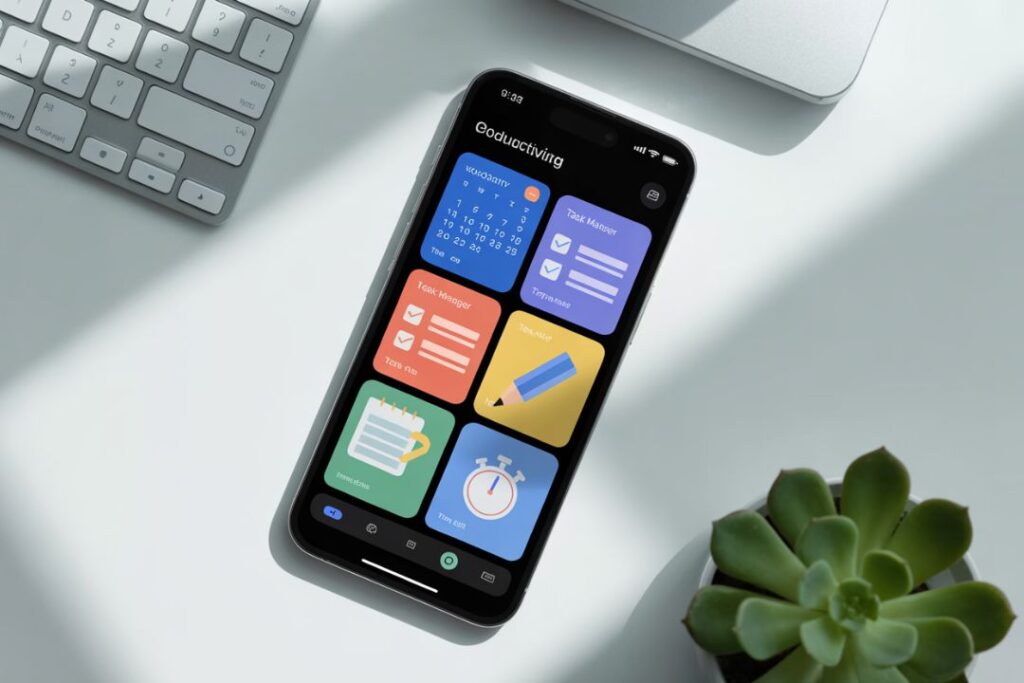
Conclusion
Productivity Apps have revolutionized the way individuals and teams manage tasks, time, and collaboration. By leveraging these digital tools, users can organize their workflows, prioritize important activities, reduce mental clutter, and achieve goals more efficiently.
From task management and note-taking to time tracking, collaboration, and automation, productivity apps cater to diverse needs across personal and professional life. They empower users to work smarter, stay motivated, and maintain accountability. With the right combination of apps, anyone can unlock higher productivity and enjoy a more balanced, organized, and stress-free lifestyle.
As technology continues to advance, productivity apps are becoming smarter and more intuitive, integrating AI-driven features, predictive task management, and seamless cross-platform synchronization. Whether you are a student, professional, entrepreneur, or team leader, adopting productivity apps is a practical and effective step toward maximizing efficiency and achieving success.
Embrace Productivity Apps, experiment with different tools, and find the workflow that works best for you. With the right approach, every minute can become more meaningful, and every task more manageable.